Microsoft continues to strengthen the security framework of Windows 11 by testing a new feature that allows computers to be locked remotely if they are lost or stolen.
The feature, called “Remote Lock,” is designed to prevent unauthorized individuals from accessing devices and their data while preserving the files stored on them, without requiring a complete wipe. The move is primarily aimed at companies and organizations that manage large numbers of computers.
A New Layer of Protection
Microsoft is testing the Remote Lock feature as an additional way to strengthen security for devices running Windows 11, particularly laptops, which may be more vulnerable to loss or theft while users are on the move.
The feature relies on the ability to issue a remote lock command through Microsoft's device management platform, known as Intune. This allows IT administrators to restrict access to a stolen or lost device without needing physical access to it.
The move is part of the company's efforts to develop enterprise security tools and provide more effective ways to handle incidents involving the loss of devices containing work-related data and sensitive information.
How Does It Work?
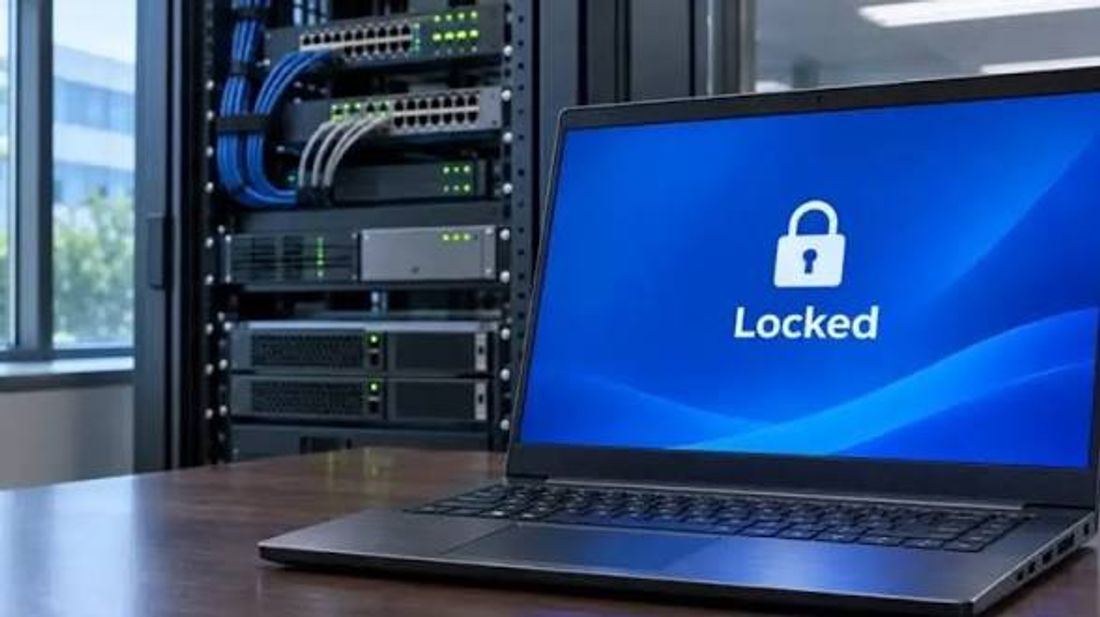
The feature allows IT administrators to send a lock command to a targeted device, which terminates active user sessions and blocks normal access to the sign-in interface.
Once the lock is activated, a screen appears indicating that the device has been secured by the organization, while regular sign-in options are disabled, including the use of a password, personal identification number (PIN), or local administrator account.
One of the feature's most notable characteristics is that the locked state remains in place even after the device is restarted or disconnected from the internet. This adds another layer of protection against attempts to bypass conventional security measures.
The feature also preserves the files and data stored on the computer rather than deleting them. This makes it a suitable option for organizations seeking to prevent unauthorized access while retaining the ability to recover the device's data if it is retrieved.
Supported Devices
The Remote Lock feature is not designed to serve all Windows 11 users in the same way. Instead, it primarily targets business environments and companies that rely on centralized device management systems.
Using the feature requires Windows Pro, Enterprise, or Education editions, as well as device enrollment and management through the Intune platform. The device must also be connected to Microsoft's identity and access management services or enrolled in device management systems.
As a result, the feature will not simply be available to all home computer owners through standard Windows settings. Instead, it is tied to the administrative and security infrastructure used by organizations.
Comprehensive Data Protection
Despite its importance, the feature does not represent a comprehensive security solution for every device theft scenario. It blocks normal access to the operating system, but it does not erase data or completely isolate the computer from the network.
It also does not guarantee protection against all attempts to access the device through alternative boot methods, such as external storage devices or system recovery environments. This makes relying on additional security measures essential.
In this context, BitLocker drive encryption remains one of the most important security measures to enable, as it helps protect data even if the storage drive is removed from the computer and someone attempts to access its contents using another device.
Release Date
The Remote Lock feature is still in the testing phase, and Microsoft has not yet announced a final date for its widespread release to all users. It is expected to become an important addition to device management and security tools within organizations, particularly as reliance on laptops and remote work continues to grow.
Overall, the move reflects Microsoft's direction toward providing more flexible security solutions that allow companies to respond quickly to incidents involving lost or stolen devices and reduce the risk of data leaks without sacrificing the ability to recover files when a computer is retrieved.