
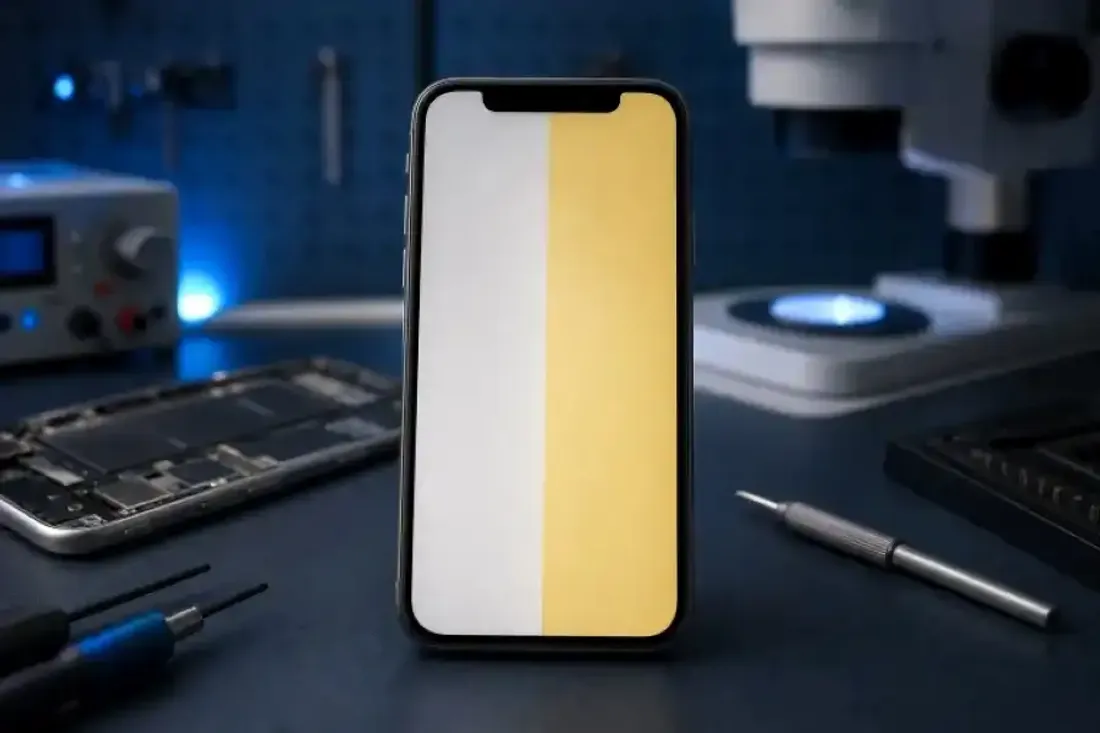
A smartphone or television screen may look exactly as it did when it was first purchased. However, after years of use, users may notice gradual changes in colors, warmer tones, or reduced brightness in white areas, even when there is no visible crack or obvious malfunction.
This change is not always related to display settings. It may be a natural result of the aging of components responsible for producing light and processing colors. Several factors contribute to this process, most notably declining backlight efficiency, prolonged exposure to heat, the type of display technology, as well as the number of operating hours and daily brightness levels.
Component Degradation
The causes of color changes vary depending on the type of screen. In OLED displays, individual pixels produce their own light and rely on organic materials that gradually deteriorate with use.
Not all colors fade at the same rate. Some pixels may lose their efficiency faster than others, resulting in an imbalance in color reproduction and visible differences in color tones, particularly after intensive use.
LCD screens, on the other hand, rely on a backlight that passes through layers responsible for producing colors. Over time, the characteristics of the lighting components and optical filters may change, affecting brightness levels and color balance.
Heat and Brightness
Heat is one of the main factors affecting the operational lifespan of screen components, particularly when devices are used for extended periods at high brightness levels.
When a smartphone or television operates under constant heat, the materials used in the display are subjected to additional stress, which may accelerate the deterioration of their optical properties.
Similarly, keeping brightness at maximum levels continuously places greater strain on lighting components and may accelerate their decline, particularly in certain OLED technologies.
This does not mean that increasing brightness for short periods causes immediate damage. Rather, the impact is associated with accumulated operating hours and thermal conditions over several years.
Color Imbalance
One phenomenon associated with screen aging is image burn-in, which is more noticeable in OLED displays.
This occurs when specific areas of the screen display static elements for extended periods, such as application logos, navigation buttons, and status bars. As a result, the pixels in those areas deteriorate differently from the rest of the screen.
This may lead to faint residual images or noticeable differences in brightness and color, even after switching to different content.
How to Preserve Color Accuracy
The rate of screen aging can be reduced through several measures, most notably avoiding maximum brightness at all times, keeping devices away from excessive heat, and using automatic brightness when available.
Enabling dark mode on certain devices equipped with OLED displays can also help reduce power consumption, as black pixels are either completely switched off or nearly inactive, depending on the screen design.
It is also helpful to use natural color settings instead of highly saturated display modes and to rely on screen calibration tools whenever available.
Is the Screen Nearing the End of Its Lifespan?
A decline in color accuracy does not necessarily mean that a screen has become unusable. A device may continue functioning for years despite gradual changes in brightness or color balance.
However, if colors change suddenly and noticeably, or fixed lines or unusual spots appear, the cause may be a malfunction in the screen or its driving circuits rather than normal aging.
As OLED, Mini-LED, and screen manufacturing materials continue to evolve, manufacturers are working to improve color stability and extend display lifespans.
Nevertheless, the main challenge remains preserving original image quality despite thousands of operating hours and continuous exposure to heat and light.
𝗦𝗼𝘂𝗿𝗰𝗲: 𝗘𝗿𝗲𝗺 𝗡𝗲𝘄𝘀