
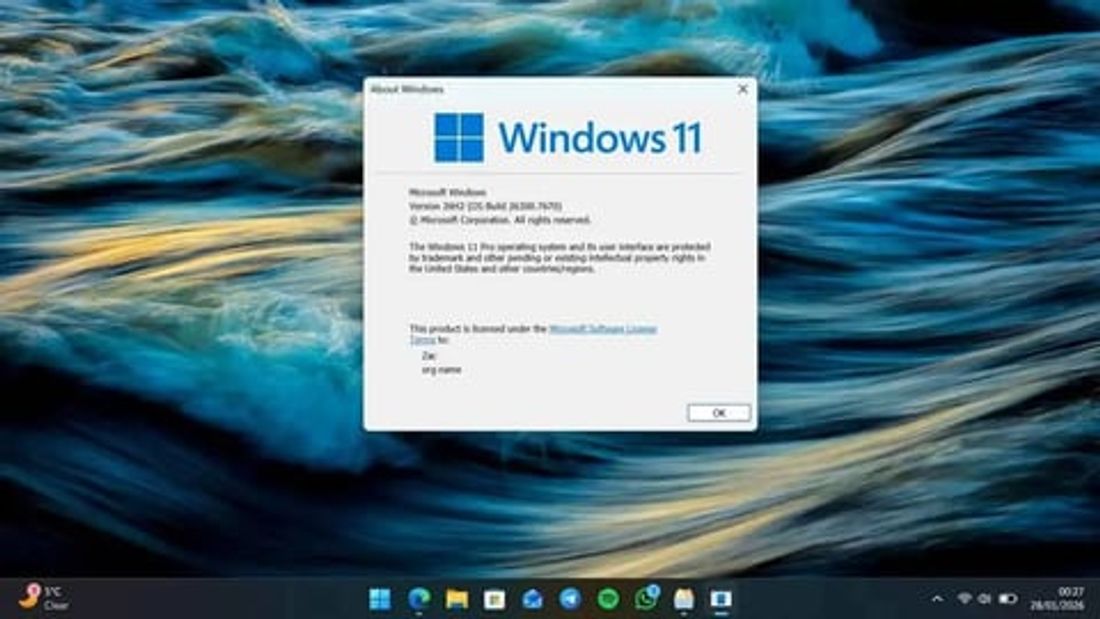
Microsoft has released a new update for Windows 11, identified as KB5127648, featuring a range of improvements and new features, alongside important security fixes aimed at strengthening device protection and enhancing the user experience.
One of the most notable changes gives users greater freedom to customize the taskbar, following years of restrictions on changing its position since the launch of Windows 11.
Users can now move the taskbar from the bottom of the screen to the top, or to either the right or left side. This feature was available in previous versions of Windows, most notably Windows 10.
The improvements go beyond appearance. The update allows users of compatible Copilot-enabled laptops to remap the dedicated AI assistant key to function as a Context Menu key or a right Control key, giving them greater flexibility in customizing their keyboards.
Microsoft has also introduced accessibility improvements that allow applications to open automatically in full-screen mode. This helps users of screen-reading software focus on the active application without distractions.
File Explorer has also gained the ability to preview HTML and PDF files directly, alongside improvements to touchpad functionality that allow users to scroll along its edge using a single finger.
𝗠𝗼𝗿𝗲 𝗧𝗵𝗮𝗻 𝟭,𝟰𝟬𝟬 𝗦𝗲𝗰𝘂𝗿𝗶𝘁𝘆 𝗩𝘂𝗹𝗻𝗲𝗿𝗮𝗯𝗶𝗹𝗶𝘁𝗶𝗲𝘀 𝗔𝗱𝗱𝗿𝗲𝘀𝘀𝗲𝗱
On the security front, the update includes fixes for more than 1,400 security vulnerabilities, including one that Microsoft indicated had already been exploited.
The exploitation method involves sending a link or file through email or instant messaging, then using the Windows command-line interface to bypass a security measure over the network.
The update also includes improvements to Secure Boot certificates, allowing compatible devices to receive new certificates. It additionally addresses an issue with Windows Hello that sometimes caused fingerprint recognition to stop working after a device restart.
Microsoft has also introduced changes to authentication settings related to the NTLMv1 protocol as part of its efforts to strengthen security. However, the company warned that these changes could affect certain router connections used in enterprise environments.
𝗣𝗿𝗶𝗻𝘁𝗶𝗻𝗴, 𝗚𝗮𝗺𝗶𝗻𝗴, 𝗮𝗻𝗱 𝗔𝘂𝗱𝗶𝗼 𝗔𝗺𝗼𝗻𝗴 𝘁𝗵𝗲 𝗙𝗶𝘅𝗲𝘀
The improvements include fixes for printing issues that emerged following the August 2026 update, particularly on devices using RAW or Generic Text Only drivers. Microsoft also addressed an issue that caused mouse cursor movement to stutter in certain games.
The company added the Manitoba time zone to the date and time settings and improved ReFS storage management options through additional policies that allow for better auditing and control.
The fixes also extend to enterprise environments. The update addresses an issue that prevented certain virtual disks in Storage Spaces Direct from reconnecting after a security update was installed. It also improves File Explorer performance in multi-user environments, such as Azure Virtual Desktop, where the issue had caused crashes and black screens.
The update also fixes an issue with AC-3 audio playback, combining everyday usability improvements with solutions to technical and security problems affecting system stability.
𝗦𝗼𝘂𝗿𝗰𝗲: 𝗘𝗿𝗲𝗺 𝗡𝗲𝘄𝘀