
A simple feature available in major web browsers can make reading web pages much easier by removing distracting elements such as advertisements, newsletter subscription pop-ups, and other tools that consume battery power.
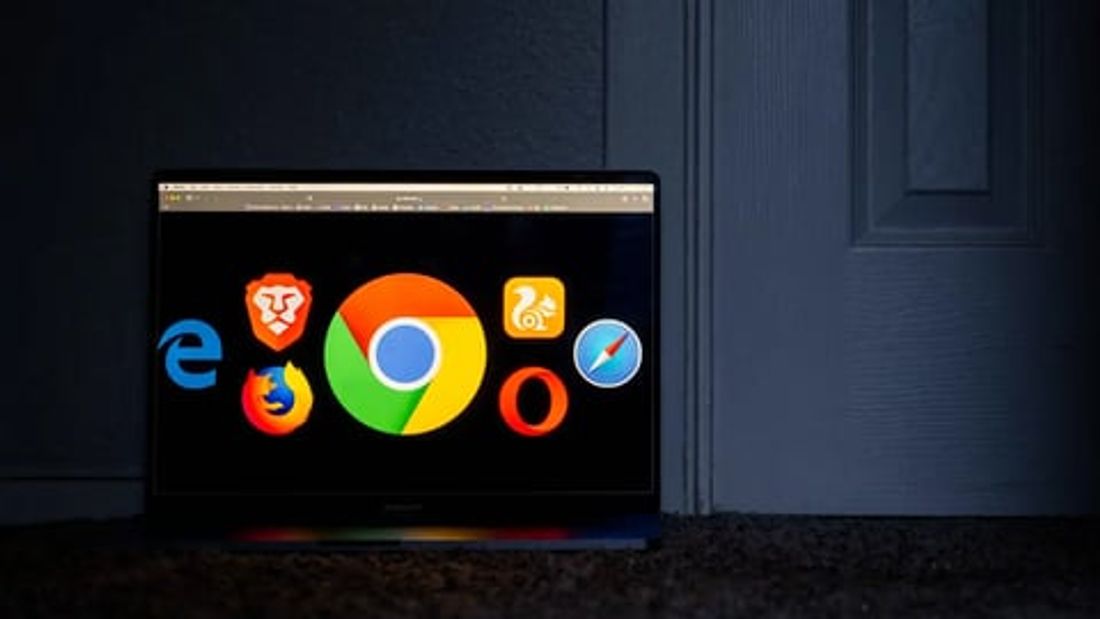
According to a report published by The Washington Post, the four major browsers—Safari, Chrome, Microsoft Edge, and Firefox—offer a dedicated reading mode that displays the main text of a web page, and sometimes its primary image, without the additional elements that clutter websites.
This feature allows users to focus on the written content rather than dealing with advertisements, pop-up windows, and other elements that may interrupt their reading experience.
The way to access reading mode varies from one browser to another. Some websites may also prevent its use or limit its functionality, and not all browsers handle the feature in the same way.
On the desktop versions of Apple's Safari and Google's Chrome browsers, the feature is particularly easy to access.
In Safari, the message "Reader Available" appears once a web page has loaded. Users can then click the icon consisting of three horizontal lines on the left side of the address bar to activate Reader Mode.
In Chrome, a "Reading Mode" button accompanied by a book icon appears on the right side of the address bar. Clicking it opens the content in a simpler, more streamlined format.
In Microsoft Edge, the feature is available under the name "Immersive Reader," while Firefox calls it "Reader View." Users can access it by clicking the page-shaped icon located to the right of the address bar.
On mobile versions, however, reading options are less noticeable due to the limited screen space. In Safari and Chrome, users need to open the options menu to access them, while Firefox and Edge display small page-shaped icons.
𝗦𝗼𝘂𝗿𝗰𝗲: Erem News