
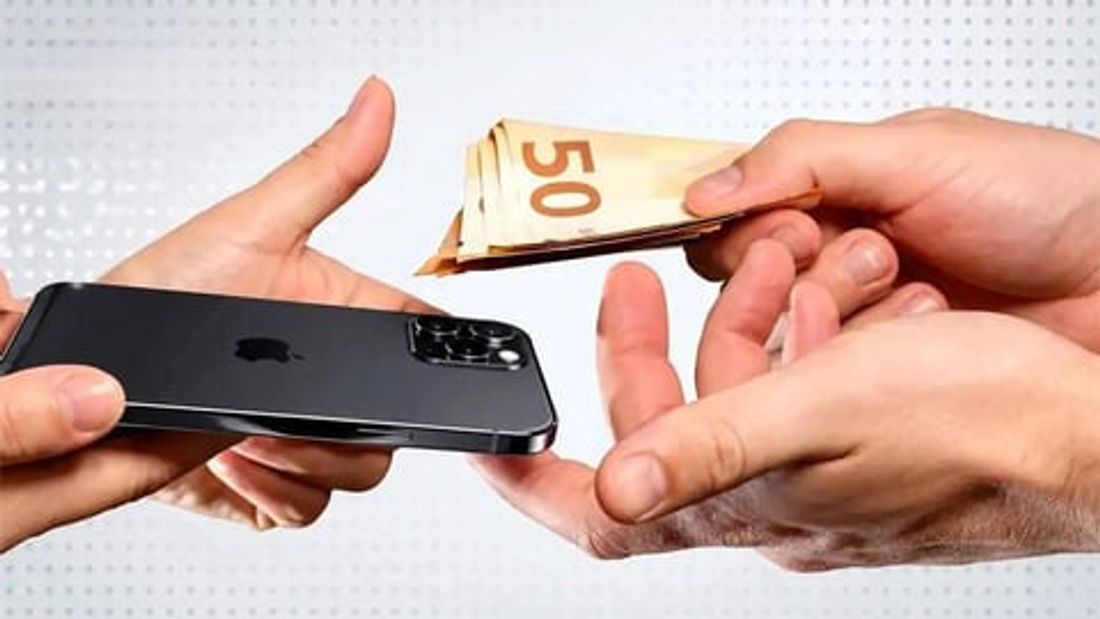
A phone may appear ready for its new owner as soon as the welcome screen appears after a factory reset. However, this step does not necessarily mean that all personal information is unrecoverable under every circumstance.
The way data is erased varies between devices. Storage technology, phone type, and operating system versions also affect whether old files can be recovered.
As used phones change hands, protecting personal photos, messages, and documents becomes an essential part of the selling process, rather than merely a technical procedure that can be completed by pressing a single option in the settings.
𝗙𝗮𝗰𝘁𝗼𝗿𝘆 𝗥𝗲𝘀𝗲𝘁𝘀
On modern smartphones, a factory reset removes user data and restores the device to its initial state.
However, how this process works depends on the operating system and the method used to store information. On many modern Android devices, the level of protection relies on encryption and the removal of encryption keys associated with the data.
When the erasure process is carried out correctly, old data becomes practically unreadable, even if some of it remains physically present on the storage medium.
iPhones also use encryption to protect data. Selecting “Erase All Content and Settings” removes information and the encryption keys required to access it, making recovery of previous data impractical under normal circumstances.
Therefore, it is inaccurate to claim that a factory reset always leaves photos and files exposed. On modern devices, properly designed erasure mechanisms are highly effective.
𝗜𝗻𝗳𝗼𝗿𝗺𝗮𝘁𝗶𝗼𝗻 𝗔𝘁 𝗥𝗶𝘀𝗸
The risks do not arise from the reset process alone, but also from mistakes that may occur before or while preparing a phone for sale.
One major concern is leaving copies of data outside the device, such as photos stored in cloud services or files on external memory cards that have not been erased.
Important information may also remain in apps linked to the user's accounts or on other devices that were synchronized with the phone.
Some users may sell their devices after manually deleting photos or removing apps without performing a complete reset. In such cases, ordinary file deletion is not a substitute for secure erasure.
Privacy may also be compromised if users leave a SIM card or memory card inside the device, fail to sign out of certain accounts, or hand over the phone without removing its links to their personal accounts.
𝗠𝗮𝗻𝘂𝗮𝗹𝗹𝘆 𝗗𝗲𝗹𝗲𝘁𝗶𝗻𝗴 𝗣𝗵𝗼𝘁𝗼𝘀 𝗮𝗻𝗱 𝗙𝗶𝗹𝗲𝘀
Deleting a file through a phone's interface does not always mean that its contents have been permanently erased. In some storage systems, a file may simply be marked as deleted while the associated data remains until it is overwritten or processed in another way.
However, recovering such data is not guaranteed, particularly on modern smartphones that use encryption and storage-management technologies.
File-recovery tools that work with some older storage media may also be unable to recover data from a modern phone that has been properly erased.
The more significant practical problem is relying solely on manual deletion or using untrustworthy cleaning apps that claim to erase data permanently without providing clear technical guarantees.
𝗦𝘁𝗲𝗽𝘀 𝘁𝗼 𝗣𝗿𝗼𝘁𝗲𝗰𝘁 𝗬𝗼𝘂𝗿 𝗗𝗮𝘁𝗮
To reduce the risk of exposing personal information, it is advisable to follow several steps before handing the device over to its buyer:
\- Create a backup: Transfer the photos, files, and contacts you want to keep to a secure location, and verify that the backup is complete.
\- Remove accounts when necessary: Follow the manufacturer's instructions to remove personal accounts and disable activation-lock or factory-reset protection features associated with ownership of the device.
\- Perform the official erase: Use the factory-reset option built into the phone's settings, or select “Erase All Content and Settings” on an iPhone.
\- Remove SIM and memory cards: Do not forget external cards. If you intend to sell the memory card with the phone, erase it using an appropriate method.
\- Verify the result: Restart the device and confirm that the initial setup screen appears, without signing back into your accounts.
\- Review cloud services: Make sure your files are not left on shared accounts or other devices that the buyer could access.
It is not advisable to use random apps that claim to erase data permanently or to follow complicated methods of overwriting storage space with random data on modern smartphones. Such steps may be unnecessary or unsuitable for the way these devices' storage systems operate.
𝗣𝗿𝗼𝘁𝗲𝗰𝘁𝗶𝗻𝗴 𝗬𝗼𝘂𝗿 𝗣𝗿𝗶𝘃𝗮𝗰𝘆
Selling a used phone does not necessarily put personal data at risk. Most modern smartphones provide strong protection through official encryption and erasure mechanisms when these are used correctly.
However, security depends on more than a factory reset alone. It also requires ensuring that important files have been transferred, external cards have been removed, personal accounts have been disconnected, and the manufacturer's approved erasure process has been completed.
By following these steps, you can reduce the likelihood of the new owner accessing your private information to a practical minimum.
𝗦𝗼𝘂𝗿𝗰𝗲: 𝗘𝗿𝗲𝗺 𝗡𝗲𝘄𝘀